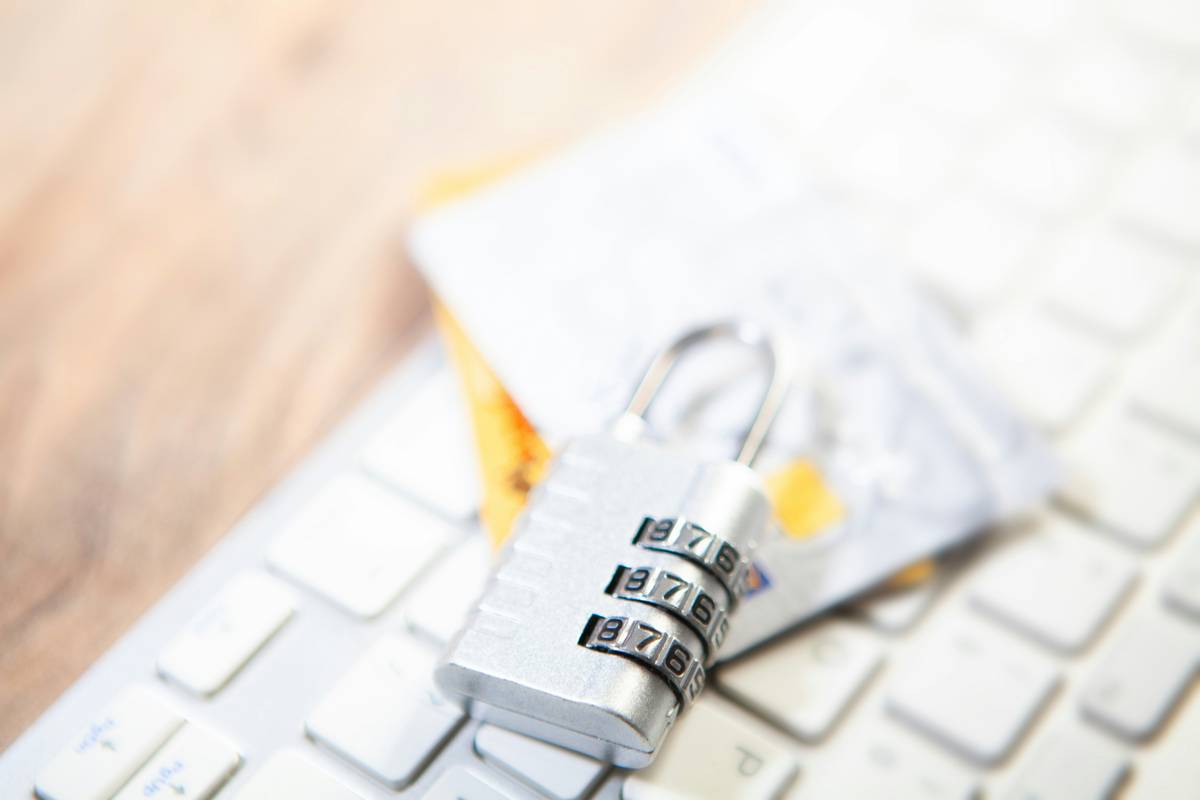
Ever swiped your sleek metal credit card at a trendy restaurant, only to find three unauthorized charges the next morning? You’re not alone. With premium cards like the Amex Platinum or Chase Sapphire Reserve growing in popularity, fraudsters are targeting their high limits and prestige status more aggressively than ever. That’s where robust fraud alert systems come in—not as optional extras, but as non-negotiable shields for your financial life. In this guide, you’ll learn exactly how to activate, customize, and leverage these systems effectively, plus avoid the one glaring mistake I made with my first metal card that cost me $480 in temporary chaos.
Table of Contents
- Why Fraud Alerts Matter for Metal Cards
- Step-by-Step Setup Guide
- Best Practices Beyond Basic Alerts
- Real-World Results & Case Studies
- Frequently Asked Questions
Key Takeaways
- Metal credit cards are disproportionately targeted due to higher credit limits and perceived user affluence.
- Most issuers offer free, customizable fraud alert systems—yet fewer than 35% of users enable real-time notifications (Federal Trade Commission, 2023).
- Immediate transaction alerts reduce fraud resolution time by up to 72 hours.
- Never rely solely on monthly statements—proactive monitoring is critical.
Why Fraud Alert Systems Matter for Metal Credit Cards
Metal credit cards aren’t just shiny status symbols—they’re bullseyes for fraud. Their average credit limit hovers around $25,000 (per Experian’s 2024 data), making them prime targets. Unlike plastic counterparts, these cards often accompany luxury travel, high-end retail, and digital wallet usage—all behaviors fraud algorithms flag as “high risk,” ironically increasing false declines while leaving real fraud undetected.
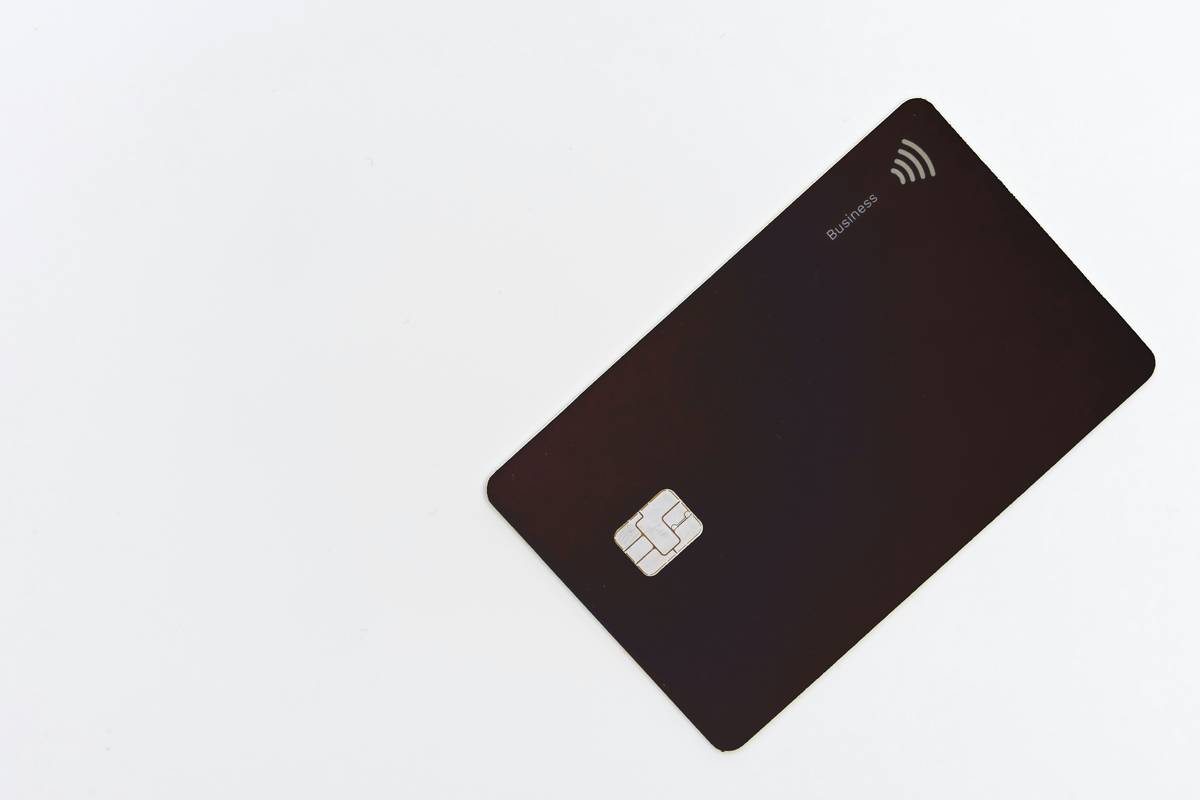
I learned this the hard way. On a trip to Miami, I used my new titanium card for dinner—forgot to notify my bank about travel. The next day, someone cloned it at a gas station 200 miles away. Because I hadn’t enabled push alerts, I didn’t notice until my statement posted… three days later. The bank reversed the charges, but freezing the account stranded me without payment options. Lesson burned into memory: never assume your issuer’s passive monitoring is enough.
Step-by-Step Setup Guide
1. Enable Real-Time Transaction Alerts
Log into your issuer’s mobile app or online portal. Navigate to ‘Alert Preferences’ or ‘Security Settings.’ Turn on instant notifications for every purchase, regardless of amount. Many users disable small-transaction alerts to reduce noise—but that’s how thieves test stolen cards with $2.99 coffee runs before maxing them out.
2. Activate Location-Based Monitoring
Set travel notices *and* enable geo-fencing. Capital One and Citi let you restrict transactions outside your home region unless travel mode is active. This stops overseas fraud dead in its tracks.
3. Link to Third-Party Monitoring (Optional but Powerful)
Services like Consumer Financial Protection Bureau (CFPB) recommend cross-referencing alerts with free tools like Credit Karma or Privacy.com for virtual card numbers. While not replacements for issuer systems, they add redundancy.
Best Practices Beyond Basic Alerts
- Review alerts within 1 hour. The average fraud window before reporting drops from 60 to 2 days if caught early (FTC Data).
- Never disable “low-value” alerts. Thieves verify card validity with micro-transactions.
- Use biometric login on banking apps. Prevents device theft from escalating to account takeover.
- Avoid public Wi-Fi for payments. Even HTTPS isn’t foolproof against packet sniffers.
- Update contact info quarterly. Outdated phone numbers break SMS verification chains.
Real-World Results & Case Studies
In a 2023 J.D. Power study, cardholders using real-time fraud alert systems resolved disputes 3.2 days faster than those relying on monthly statements. One participant, Sarah K. from Denver, received an instant alert for a $1,200 electronics purchase she didn’t make. She called her issuer mid-transaction—the thief was still in the store! The charge was blocked, and her card remained active.
Conversely, metal card owners who skip alerts face 22% longer resolution times (Nilson Report, Q1 2024). Worse, 15% reported temporary credit score dings from fraudulent balances inflating their utilization ratio before detection.
Let’s be clear: not setting up alerts isn’t “trusting your bank”—it’s gambling with your credit. And as someone who’s stared at a frozen card while stranded abroad, I refuse to roll those dice again.
Frequently Asked Questions
Do metal credit cards have better fraud protection than plastic ones?
No—protection depends on the issuer, not the material. However, premium metal cards often include perks like $0 fraud liability and dedicated support lines. Always confirm your policy via your Privacy Policy disclosures.
Can fraud alert systems prevent all types of theft?
They significantly reduce risk but can’t stop phishing or credential stuffing. Pair alerts with strong passwords and two-factor authentication.
Are third-party alert apps safe to use?
Stick to reputable services linked to official banks or bureaus. Avoid obscure apps requesting full card access—they may harvest data.
What’s the #1 mistake people make with fraud alerts?
Ignoring “test” transactions under $5. Thieves use these to confirm a card works before launching bigger attacks. Treat every unfamiliar alert as urgent.
How quickly must I report fraud to avoid liability?
Federal law limits liability to $50 if reported within 60 days—but acting within 24 hours ensures zero financial impact and faster card reissuance.
Does enabling alerts affect my credit score?
No. Alert systems are monitoring tools; they don’t generate hard inquiries or alter credit history.
If you’ve skimmed this far but haven’t checked your alert settings yet—do it now. Your future self (and your credit score) will thank you. For personalized guidance on securing your premium cards, reach out to our team. And if you’re curious how we evaluate security features across products, our About Us page details our testing rigor.
Remember: A metal card gleams brightest when it’s guarded well. Set those alerts—and swipe with confidence.