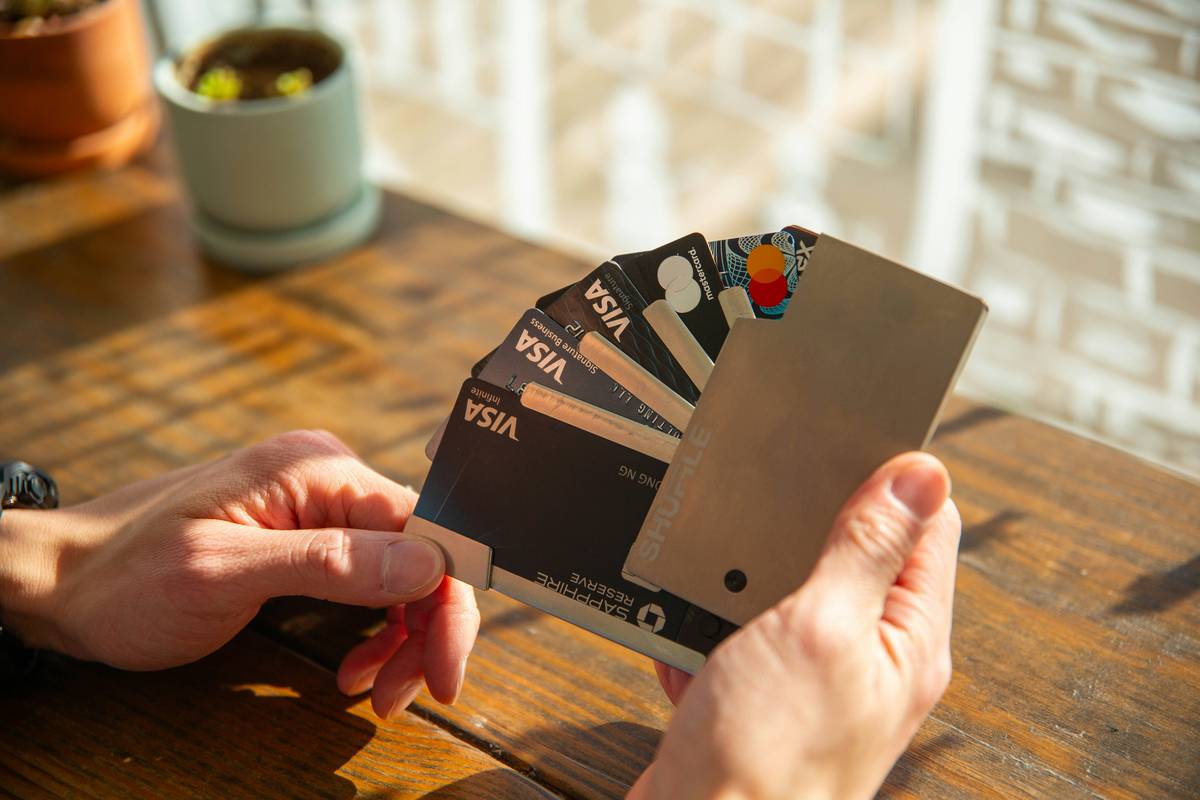
You just unboxed your sleek new metal credit card—weighty, shiny, status-y. Feels secure, right? Wrong. That very prestige makes you a target. Fraudsters love high-limit metal cards. And standard PINs or weak apps won’t cut it. The fix isn’t more plastic—it’s smarter behavior layered on top of hardware.
The Illusion of Physical Security
Metal cards don’t prevent skimming. They don’t stop phishing. In fact, their premium branding signals “high-value target” to criminals. Banks market them as elite—but rarely mention that account security depends almost entirely on what you do *after* approval.
Think about it: a titanium card can’t protect your login if you reuse passwords across shopping sites. And most users never check their issuer’s fraud alert settings—leaving them blind until it’s too late.
Step-by-Step Account Security Hardening for Metal Cardholders
Here’s how to lock down your account—not with gimmicks, but proven, actionable controls. Start today.
Enable Multi-Layer Authentication—Not Just 2FA
Two-factor authentication (2FA) is table stakes. But stop using SMS codes. SIM-swapping attacks are rampant. Use authenticator apps—or better yet—hardware security keys like YubiKey. Your bank may hide this option deep in settings; dig for it.
Set Real-Time Transaction Alerts
Don’t wait for the monthly statement. Toggle push notifications for *every* transaction over $1. Yes, even coffee. You’ll spot ghost charges instantly. And turn on alerts for foreign transactions—even if you travel. Better false alarms than silent drains.
Freeze Your Card Instantly Via Mobile App
Lose it at brunch? Freeze it before dessert arrives. Most major issuers (Chase Sapphire, Amex Platinum, Citi Strata) let you toggle card status in seconds. Practice this drill now—don’t fumble during panic.
| Security Layer | Setup Time | Effectiveness Against Fraud | Issuer Support (Top 5 Metal Cards) |
|---|---|---|---|
| Authenticator App 2FA | 5 minutes | High | 4/5 (Amex lacks it) |
| Transaction Alerts ($1+) | 2 minutes | Very High | 5/5 |
| In-App Card Freeze | Instant (pre-setup) | Critical | 5/5 |
| Virtual Card Numbers | 3 minutes per use | Moderate-High | 2/5 (Citi & Capital One only) |
The Industry Secret Nobody Tells You
Banks profit when you carry balances—not when you prevent fraud. So they bury advanced security features behind confusing menus or omit them entirely. Here’s an insider truth: calling your issuer and demanding “enhanced fraud monitoring” often triggers a backend flag that prioritizes your account for human review during suspicious activity. Do it. Say the words: “I want my account flagged for manual fraud screening.” It costs them nothing—and could save you thousands.
And—but—this only works if you’ve already done the basics above. No rep will override lazy user habits.
Frequently Asked Questions
Do metal credit cards have better built-in security than plastic?
No. Material doesn’t affect chip encryption or magnetic stripe vulnerability. Security comes from your digital habits, not card weight.
Can someone clone my metal card just by photographing it?
Yes—if they get the full number, expiry, and CVV. Never post full-card photos online. Even blurred shots can be reverse-engineered.
How often should I change my online banking password?
Only if compromised. Better: use a unique, 16-character password stored in a manager—and enable authenticator-based 2FA instead of obsessing over frequent changes.